Back to services

In-person crypto checkout

Crypto POS terminal payments

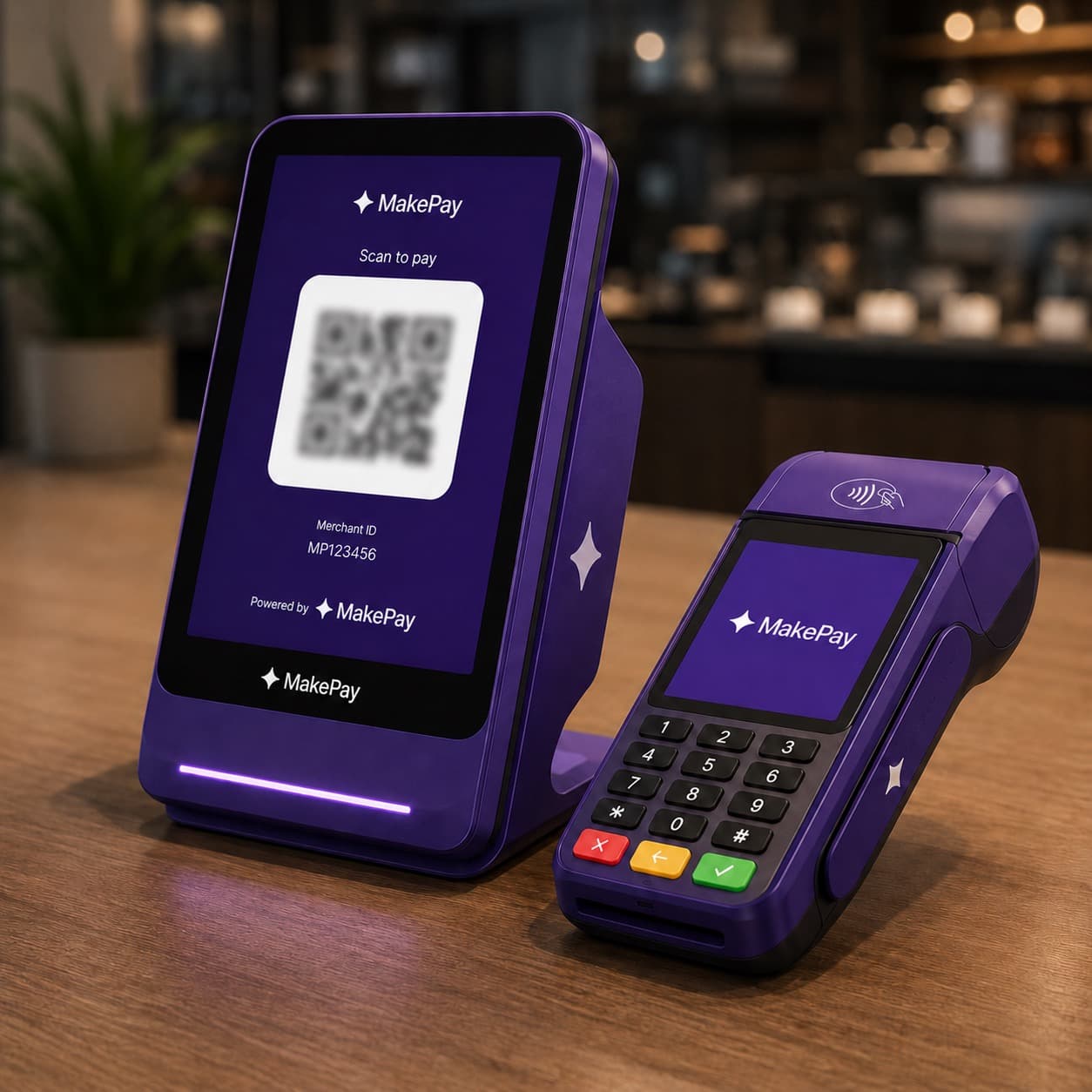
MakePay POS terminals turn the hosted checkout engine into a cashier-friendly terminal. Staff can enter an amount or choose catalog products, select the customer's coin and network, show the QR payment instructions, and keep active payments visible while status updates arrive.

crypto POS terminalcrypto point of salein-person crypto payments

QR checkout

Show wallet-ready payment instructions from a terminal screen.

Live sales

Keep open POS payments visible for staff while status changes.

Direct wallet

Settle terminal payments through the same merchant wallet route.

How it works

Where POS terminals fit

Use POS terminals when customers are present and staff need a fast way to collect crypto without building a custom checkout.

Retail countersLet staff enter the sale amount, show a QR code, and keep the register flow moving.
Events and boothsAccept crypto payments at conferences, pop-ups, meetups, and temporary sales desks.
Service desksCollect in-person deposits, balances, or custom service charges with a shared payment record.
Open dashboard

Why MakePay

Built for in-person payment operations

The POS flow gives staff a focused terminal while merchants keep the same MakePay controls used for hosted checkout.

Controlled asset choicesRestrict each terminal to the coins and networks that your team wants to accept.
Visible payment changesActive payments stay in the terminal bar with live status updates for the cashier.
Same settlement settingsTerminal payments follow your MakePay settlement, branding, and receipt configuration.
Book POS demo

All-in-one

One MakePay service path, the same direct settlement model.

The service page should make the launch path obvious. These are the customer moments, team controls, and payment outcomes this MakePay flow is designed to cover.

01
Retail counters

Let staff enter the sale amount, show a QR code, and keep the register flow moving.

02
Events and booths

Accept crypto payments at conferences, pop-ups, meetups, and temporary sales desks.

03
Service desks

Collect in-person deposits, balances, or custom service charges with a shared payment record.

04
Controlled asset choices

Restrict each terminal to the coins and networks that your team wants to accept.

05
Visible payment changes

Active payments stay in the terminal bar with live status updates for the cashier.

06
Same settlement settings

Terminal payments follow your MakePay settlement, branding, and receipt configuration.

Service model

Built around direct wallet payments, not custody.

MakePay keeps the same operating model across services: branded checkout, clear status, team visibility, and settlement routes that point back to the merchant wallet.

Controlled asset choices

Restrict each terminal to the coins and networks that your team wants to accept.

Visible payment changes

Active payments stay in the terminal bar with live status updates for the cashier.

Same settlement settings

Terminal payments follow your MakePay settlement, branding, and receipt configuration.

POS dashboard

Terminal sales

Active

Open terminals

6

Staff-ready POS screens

In-store today

$3.8k

Confirmed terminal payments

Receipt capture

Optional

Configured per terminal

Cashier-friendly checkout

POS

Live

Staff get a simple terminal view while MakePay keeps asset routing, QR payloads, and payment status consistent.

Front desk terminalQR checkout confirmedPaid
Event boothCustomer scanningPending
Catalog saleTwo line itemsCreated
Terminal PIN

Service answers

The useful questions before launch.

Every checkout path has small operational details. These answers keep the service page practical for merchants, developers, and support teams.

01Do POS terminals require hardware?

No. MakePay POS terminals run in a browser, so a tablet, laptop, or desktop can become a terminal once it is unlocked.

02Can staff choose which coin and network the customer pays with?

Yes. The terminal uses the same coin and network selection logic as hosted MakePay checkout, while respecting the terminal's allowed assets.

03Can a POS terminal use a product catalog?

Yes. Merchants can enable catalog mode so staff can add products and variants instead of entering only a manual amount.

Keep exploring

Pick the checkout path that matches the customer moment.

Start from this service, compare nearby flows, or open the dashboard when you are ready to build the next MakePay checkout.