01
Invoices & Hosted Checkout
Send simple payment links via email, chat, or sales calls.
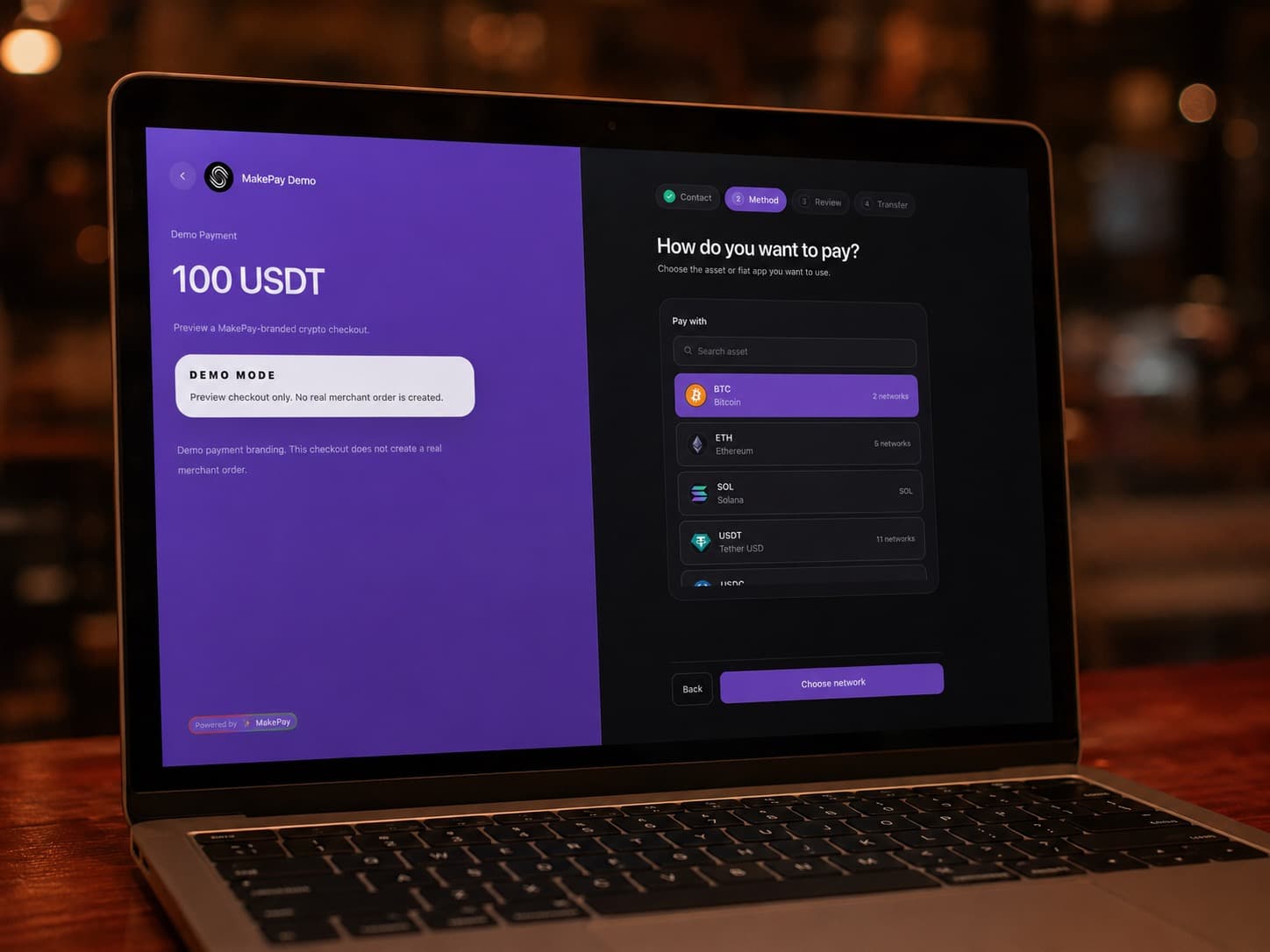
Create a payment link or hosted checkout in seconds. Share the branded URL — customers pay with 90+ cryptocurrencies, and you track everything from start to settlement
Payment link capabilities
Use a MakePay payment link when you want the fastest reliable path from a request to a hosted on-chain checkout. Every payment page can carry your brand, settlement preferences, and support context.
Send simple payment links via email, chat, or sales calls.
Collect high-value payments from international clients.
Create and reconcile payments from your backend.
Use your logo, colors, and custom domain.
Let your team create links and manage status.
Full visibility for customers and support teams.
Operating model
Payment links stay simple for customers while MakePay keeps branding, status, and direct wallet settlement tied together for your team.
Use your logo, colors, and custom domain.
Let your team create links and manage status.
Full visibility for customers and support teams.
Send simple payment links via email, chat, or sales calls.
Collect high-value payments from international clients.
Create and reconcile payments from your backend.
Payment link launch
Create a hosted MakePay page with amount, accepted assets, customer context, and merchant branding ready to send from email, chat, or your admin tools.
See link creationPayment request
Your MakePay checkout URL was generated successfully
Merchant controls
Choose the payer-covered fee mode, settlement asset, payment reference, and confirmation behavior before the customer opens the link.
See link settingsSettlement preview
0% custody
MakePay does not need to hold merchant funds before they reach your destination wallet.
Customer page
Payment follow-up
Every link carries status, paid amount, customer context, and webhook updates so teams can reconcile without hunting through wallets.
See payment statusRecent activity
Wholesale invoice #2048
Settled to USDC
Consulting deposit
Expires in 12h
Partner order
Checkout opened
Payment status changed
Service answers
Every checkout path has small operational details. These answers keep the service page practical for merchants, developers, and support teams.
Yes. Customer-paid mode is the default, keeping the merchant MakePay fee at 0%. Merchants can also choose to absorb the 0.5% fee.
No. You can start with hosted MakePay payment links and add an embedded checkout or API workflow later.
Yes. Install the official MakePay WooCommerce plugin, connect it to your MakeCrypto settings, and start offering crypto checkout without custom coding.
Yes. Shopify stores can use the MakePay commerce connector to create payment links for orders, sync payment status, and keep checkout running without a custom integration.
Customers send funds to the smart contract address generated from your MakeCrypto settings. If conversion is needed, MakePay routes the payment through a DEX protocol exchange and settles directly to your configured destination address. MakePay never physically touches, holds, or manages merchant funds.